
Tech Notes for Our New Zealand Family Road Trip
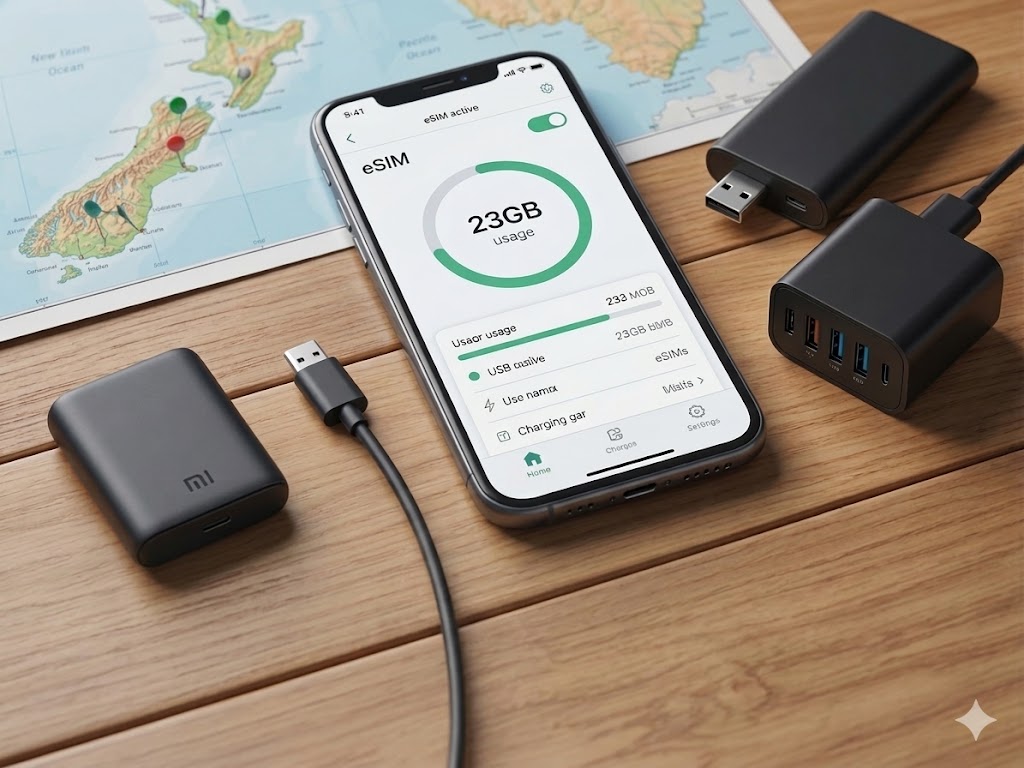
Tech Notes for Our New Zealand Family Road Trip
How we set up our tech for a smooth New Zealand road trip with kids — from eSIMs and data to charging gear and offline entertainment.
📱 Mobile Data & eSIMs
Having reliable data makes everything easier on a family road trip: navigation, weather checks, booking campsites, and keeping kids entertained on long drives. After some research, we landed on a two-SIM setup that worked really well for us:
- Parent 1 — Spark eSIM (purchased online before departure): a local NZ phone number plus data, giving us calling capability and strong rural coverage.
- Parent 2 — Mobimatters data-only eSIM: a data-only plan that let us share plenty of bandwidth across the whole family without constantly hunting for WiFi.
This combination gave us excellent coverage — especially in rural areas where Spark consistently performs best — and more than enough data for maps, messaging, and last-minute campsite bookings.
🛒 Where to Buy & Activation
The easiest place to sort your SIM or eSIM is at the airport right after landing. Staff at the mobile shops are experienced at setting visitors up quickly, and you can ask specific questions about coverage on your planned route.
For the Spark eSIM specifically, you’ll need a stable internet connection to activate it at least once. Our approach:
- Purchase the eSIM online before departure (Spark sells them directly on their website).
- Activate it using airport WiFi immediately after landing — or at your first night’s accommodation if you prefer.
- Once active, manage everything via the Spark app.
👉 Step-by-step eSIM activation instructions (Spark NZ)
For the Mobimatters eSIM, activation is even simpler — just scan the QR code sent to your email and you’re good to go. No additional registration steps needed.
🗺️ Coverage & Expectations
New Zealand has good mobile coverage around cities and larger towns, but there are plenty of black spots along remote coastal roads and in mountain areas. A few things we recommend:
- Check the coverage map before you go: Spark NZ Coverage Map
- Download offline maps (Google Maps or Maps.me) for your key regions before you start driving.
- Set expectations with the kids: some stretches are simply “offline time” — plan snacks, games, or audiobooks that don’t need a connection.
Do not rely on constant data availability for safety-critical information. Offline preparation is key.
🔌 Charging & Power
New Zealand uses Type I plugs (same as Australia). Here’s what we packed:
- One universal travel adapter with multiple USB ports — lets you charge phones, tablets, and cameras from a single outlet in a motel room or campervan.
- A 20,000mAh+ power bank — invaluable on long driving days, at basic campsites, or when kids’ tablets are running low just as you hit a spectacular stretch of road.
- A small cable bag — keep all charging cables together so they don’t disappear into different corners of the camper. This sounds obvious until day three when nothing is where you left it.
🎮 Offline Entertainment & Toys for Kids
Tablets loaded with offline content are a genuine sanity-saver. Before leaving any strong WiFi connection, download shows, games, and audiobooks so long, winding drives become a treat rather than a battle.
For physical entertainment, The Warehouse is your best friend in New Zealand. There’s one in virtually every town and they stock a great range of travel-friendly kids’ activities at very reasonable prices. We picked up:
- Sticker books and activity pads
- Simple card games
- Drawing supplies
- A few small new toys to surprise the kids mid-trip (a great morale boost on rainy days)
Mix screen time with simple offline activities: I-Spy out the window, family audiobooks everyone enjoys, or just pointing out every sheep along the way (spoiler: there are a lot of sheep).
✅ Quick Tech Checklist
- Purchase Spark eSIM online before departure
- Purchase Mobimatters data-only eSIM
- Activate both eSIMs on airport or accommodation WiFi
- Check Spark coverage map for your planned route
- Download offline maps for all regions
- Pack Type I travel adapter + USB power bank
- Download shows, games & audiobooks before leaving home WiFi
- Grab activity supplies from The Warehouse when you arrive
With the right tech and a bit of planning, the journey really can be as fun as the destination. New Zealand rewards the prepared traveller — and kids who aren’t fighting over a dead tablet.